Common input material
User interview transcriptsCustomer support ticketsSurvey responsesMeeting notesCompetitor reviews
Synthesising feedback is not about sticking labels on notes; it means structuring quotes, pain points, scenarios, frequency and opportunities. NuromBoard turns feedback material into mind maps, cards and product action items.
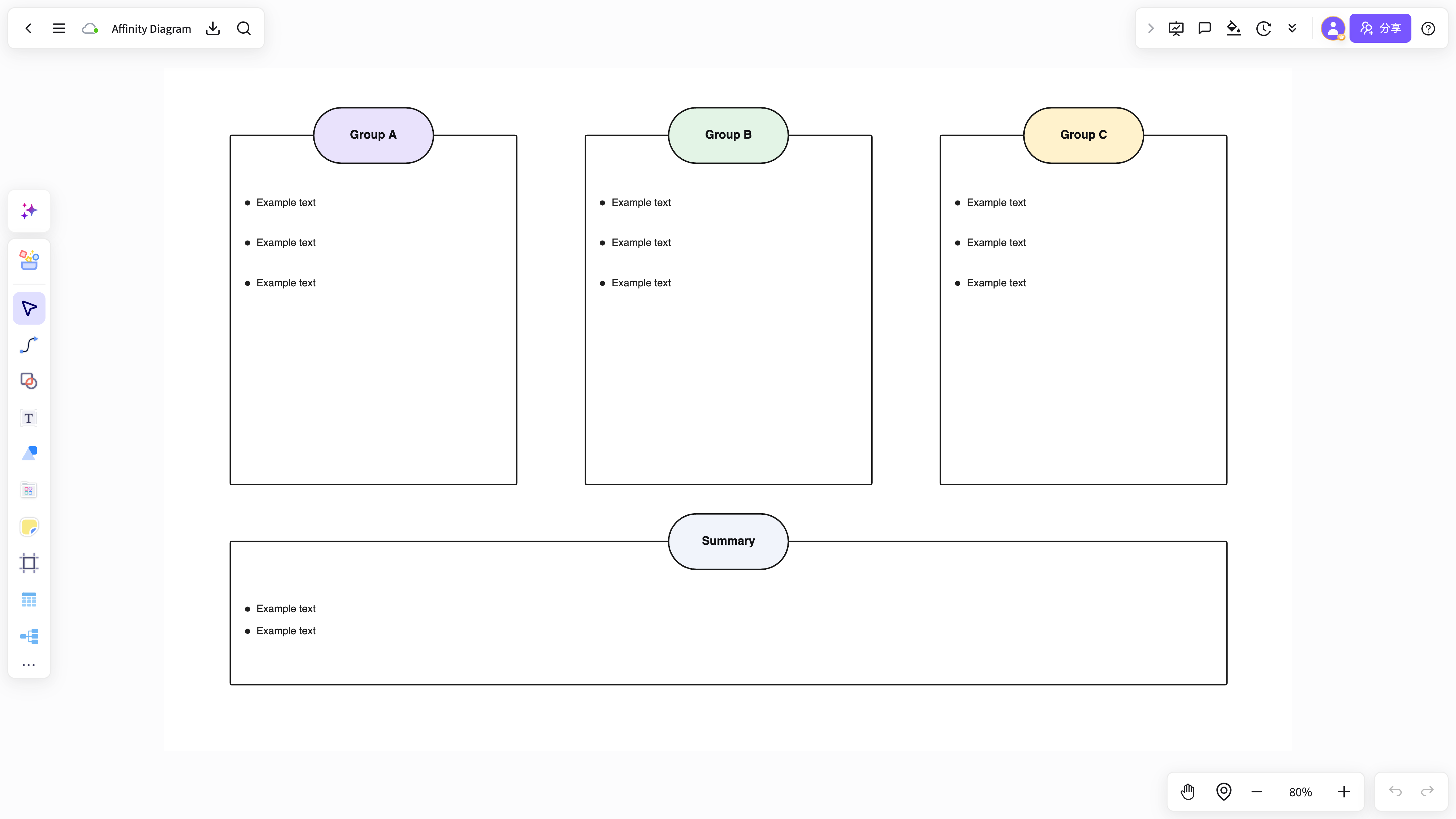
Quotes, complaints and suggestions arrive mixed together and rarely turn into a product decision.
Interview and support notes need repeated grouping, distilling and alignment across the team.
Conclusions stay inside the research document and never reach the next project or solution.
Put interviews, surveys, support tickets and meeting notes into one project.
Organise feedback into pain points, needs, blockers, opportunities and supporting evidence.
Output a mind map, cards, the need structure and recommended next steps.
NuromBoard holds quotes, sticky notes, mind maps and action lists in one place.
You can structure feedback before adopting a heavier, dedicated research platform.
Sorts feedback into pain points and need themes.
View and use the template →Draws product opportunities out of user quotes.
View and use the template →The scenario page answers how the work starts; the method articles continue with the steps, the criteria, and where NuromBoard fits.
Yes. A mind map lets you reorganise the feedback by scenario, pain point, user type and opportunity instead of keeping it as a flat list.
It is not positioned as a replacement. It suits product and operations teams that need lightweight feedback synthesis and a place to capture insights.