Common input material
PRD documentRequirement specsUser feedbackReview notesBusiness rules
PRDs are often long, and the process logic stays buried in the paragraphs. NuromBoard helps you distil requirement descriptions, meeting notes and user feedback into process nodes, then arrange them into a business flowchart.
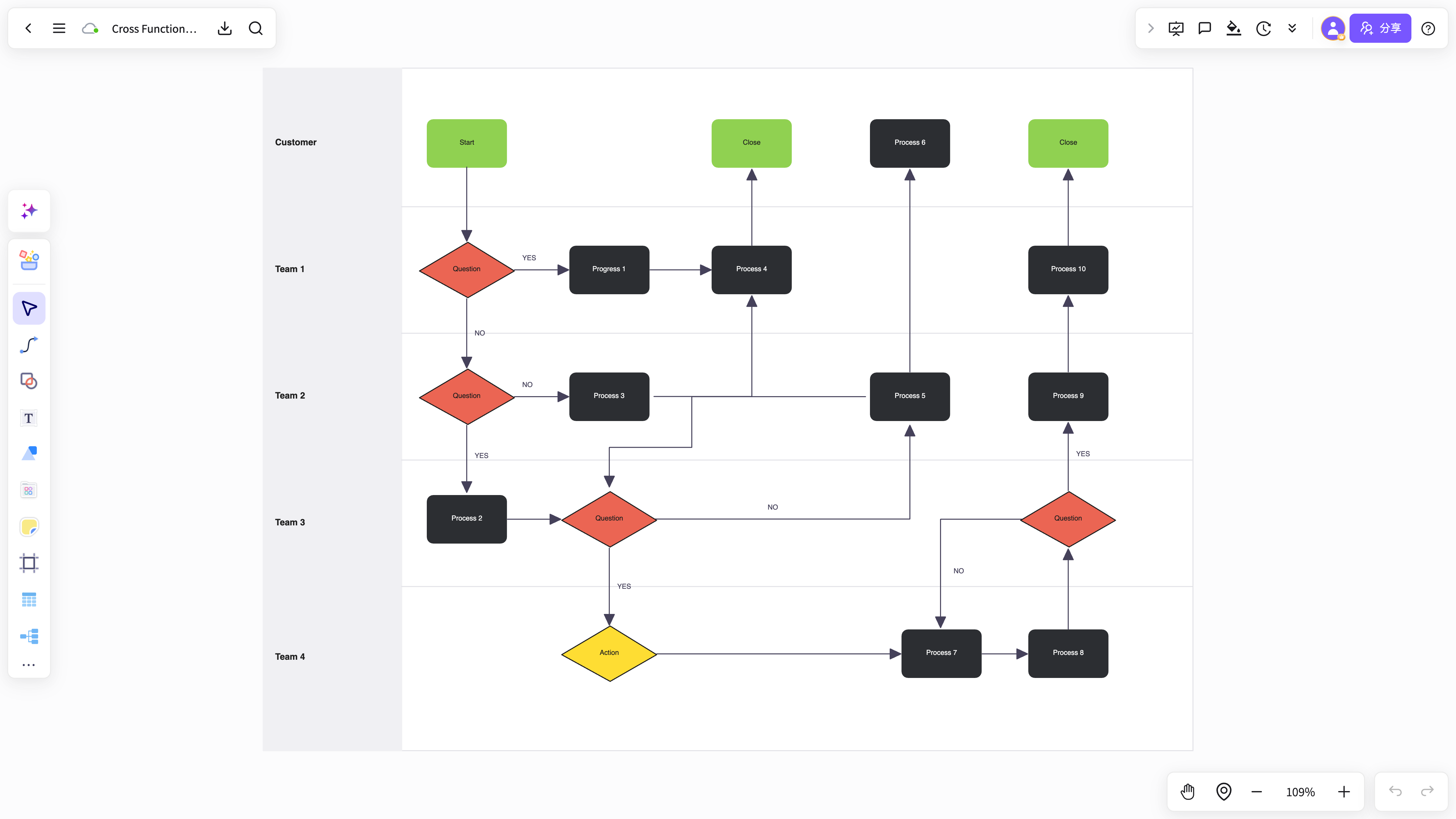
Developers and reviewers struggle to grasp the full path quickly.
When only the happy path is written down, edge cases and state changes are easily overlooked.
After drawing the chart you still have to go back to the PRD to find the original wording.
Pull out roles, scenarios, actions, rules and exception conditions.
Turn the prose into nodes, branches, conditions and state changes.
Save the flowchart to the project alongside the PRD, feedback and meeting notes.
This set shows how roles, steps, states and exception paths are extracted from PRD paragraphs and turned into an editable business flowchart.
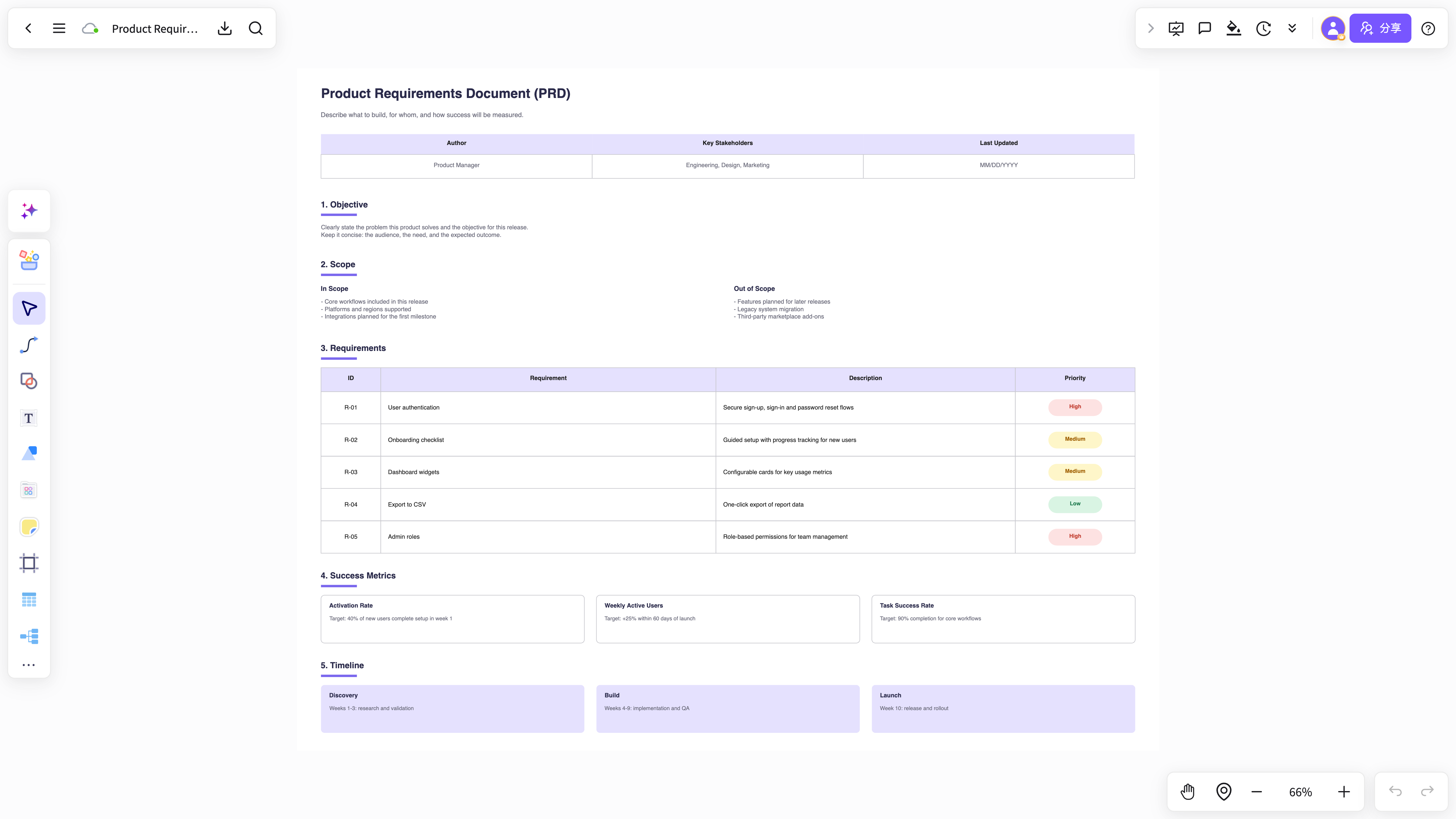
First drop the user actions, business rules and exception cases from the requirement spec into the workspace.
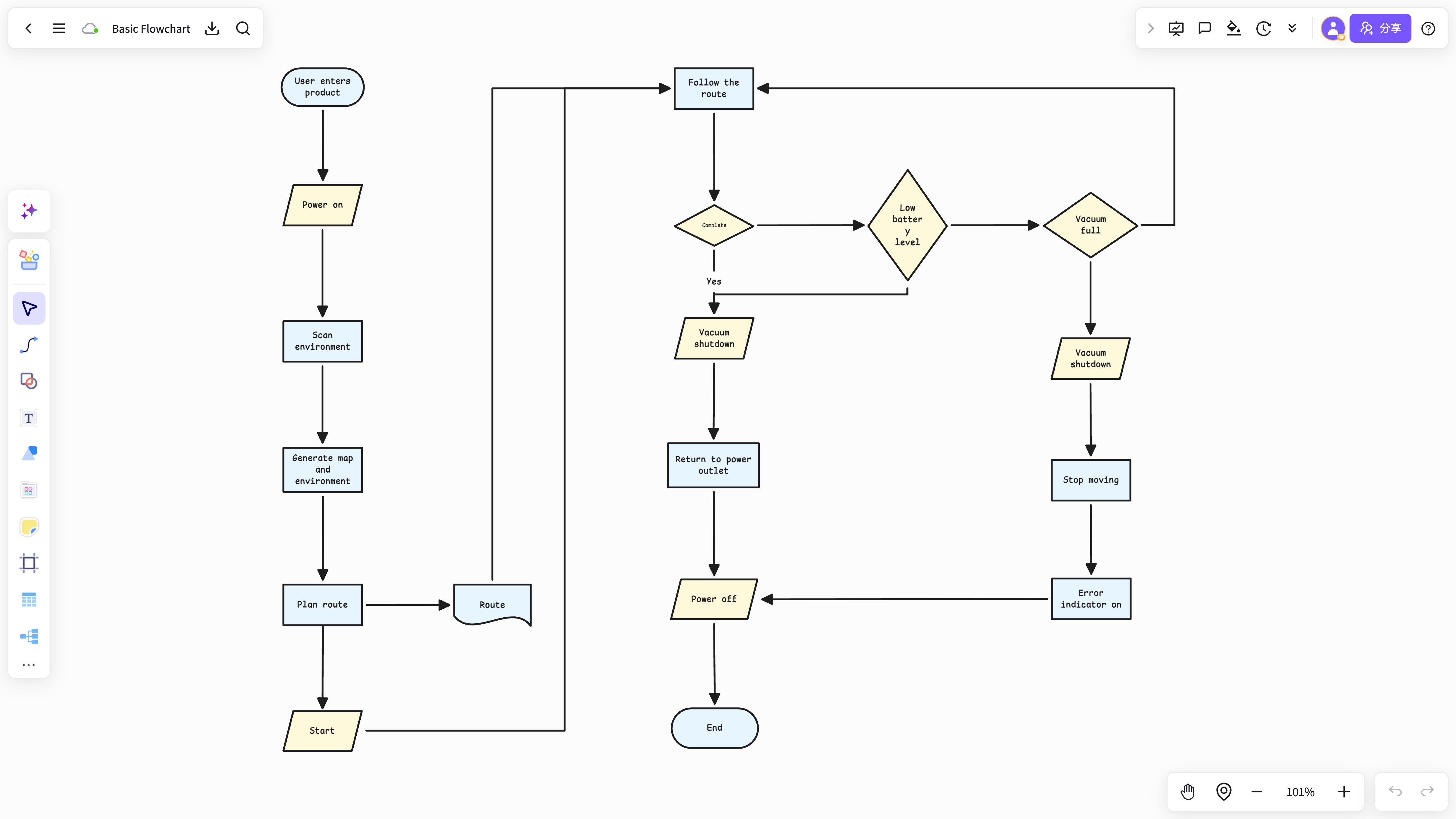
Identify roles, the main flow, payment validation and failure retry as key nodes in the text.
The generated flowchart stays editable and is saved to the project next to the original PRD.
It does not just draw; it helps product managers clarify the process from raw material.
The flowchart lives in the same project as the source documents, excerpts and cards.
Made for turning a requirements document into a flowchart.
View and use the template →Good for mapping user action paths and state changes.
View and use the template →The scenario page answers how the work starts; the method articles continue with the steps, the criteria, and where NuromBoard fits.
Start with user roles, the main flow, exception rules and the key business conditions.
Yes, especially for structuring PRDs, meeting notes, user feedback and competitor analysis.