Common input material
Lecture PDFsResearch paper PDFsIndustry reportsCourse materialsAnnotations and excerpts
A PDF does not become useful nodes just because you convert the whole file. Read and annotate it first, then organize the key concepts, chapter relationships and conclusions into a map you can reuse.
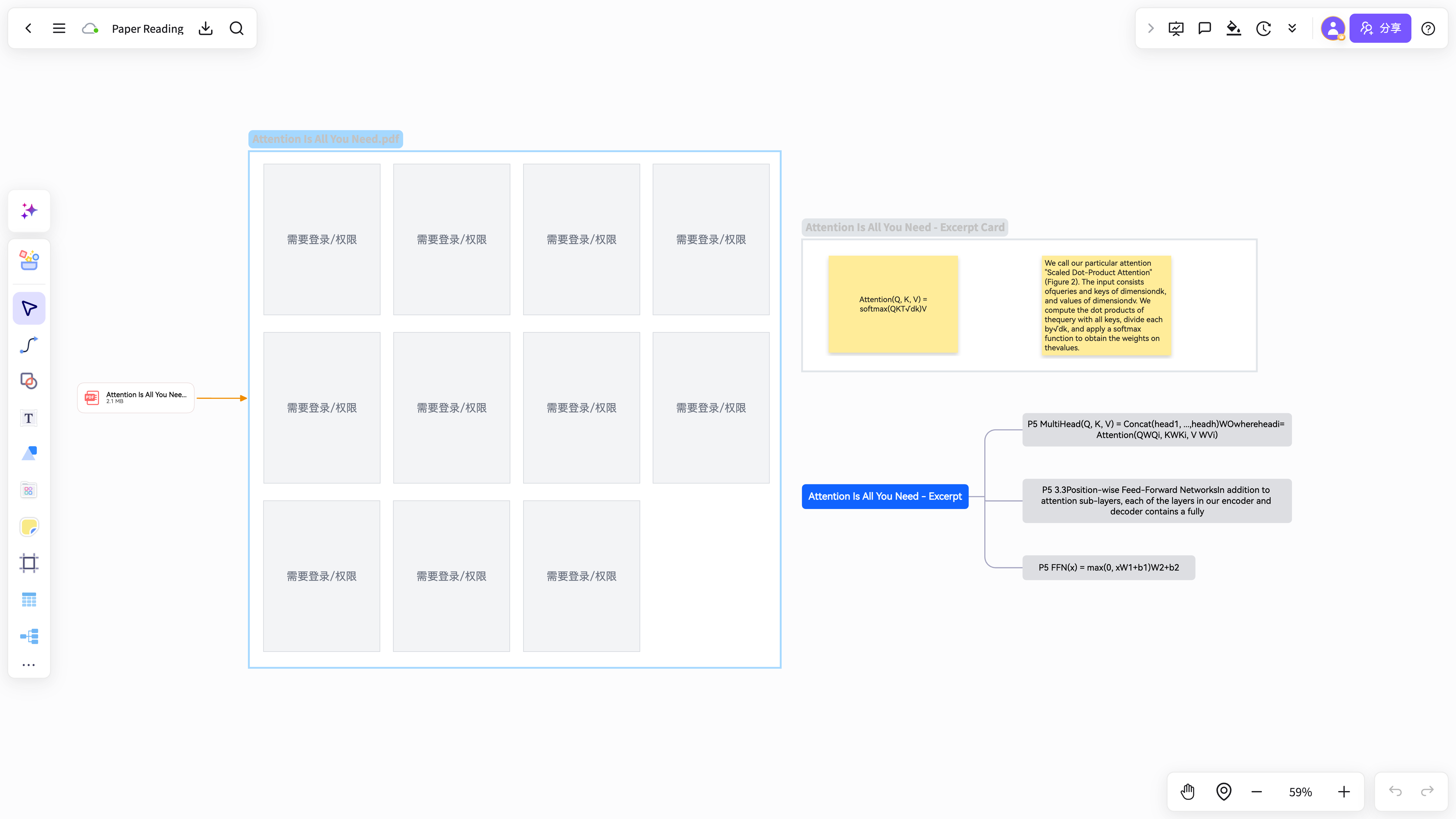
When a document is long, converting it in one pass mixes key points, examples and background into the same node tree.
Many PDF readers let you highlight, but those highlights rarely turn into a structure you can keep working with.
The real bottleneck is not drawing nodes, but deciding which parts of the PDF deserve a place in the map.
Highlight key passages, concepts, formulas, conclusions and open questions directly in the PDF.
Gather the highlights into one excerpt list, then regroup them by theme, chapter or question.
Turn the excerpts into a mind map, then add node notes, cards and project tags.
This set walks through reading a PDF, selecting an excerpt, generating a map and saving it to a project, ready for method articles, tool directories and social posts.
Bring a paper, lecture handout or report onto the board and read through it to locate the important passages.
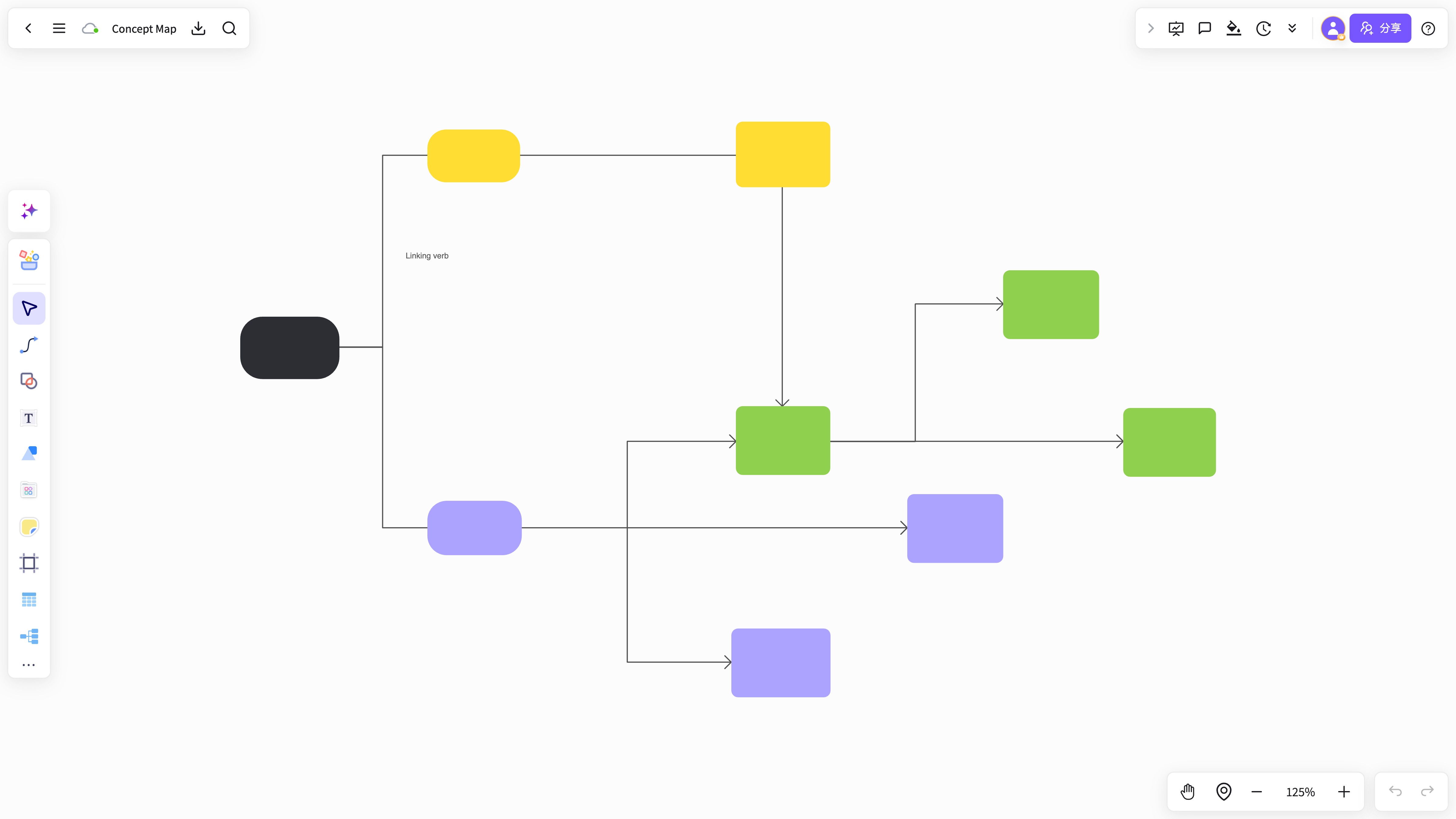
With the excerpt selected, choose generate mind map, excerpt card or add to notes from the PDF selection menu.
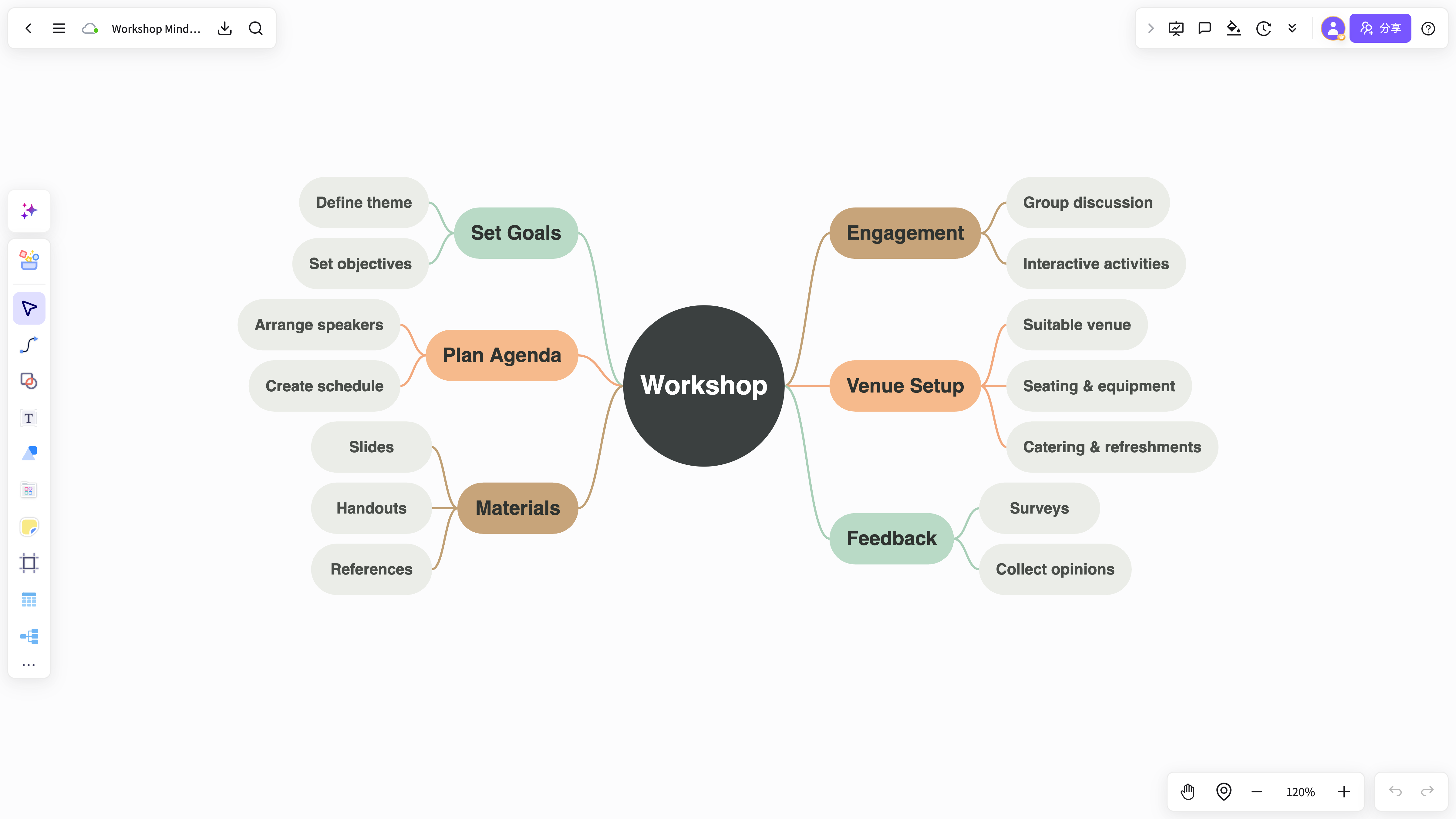
The generated map stays editable and keeps the source PDF page numbers, ready to export or save into a project.
NuromBoard takes the PDF input you already have and organizes it into a map.
A map is not a one-off export; it stays linked with your excerpts, cards and project materials.
Best for turning PDF excerpts into a layered mind map.
View and use the template →Best for turning lecture handouts and chapter highlights into a revision framework.
View and use the template →The scenario page answers how the work starts; the method articles continue with the steps, the criteria, and where NuromBoard fits.
It can help, but annotating and excerpting the key points first and mapping those excerpts gives a much more accurate result.
Lecture handouts, research papers, industry reports, exam prep material and any PDF you need to reuse over time.