Plenty of material, no structure
PDFs, reports, meeting packs, and course documents pile up, and after reading a great deal it is still hard to state the through-line in one pass.
Drop a PDF, report, paper, course reading, or project document onto the board and let AI surface the main threads and how they connect. That reading then becomes an editable mind map, outline, or proposal draft you can keep working on.
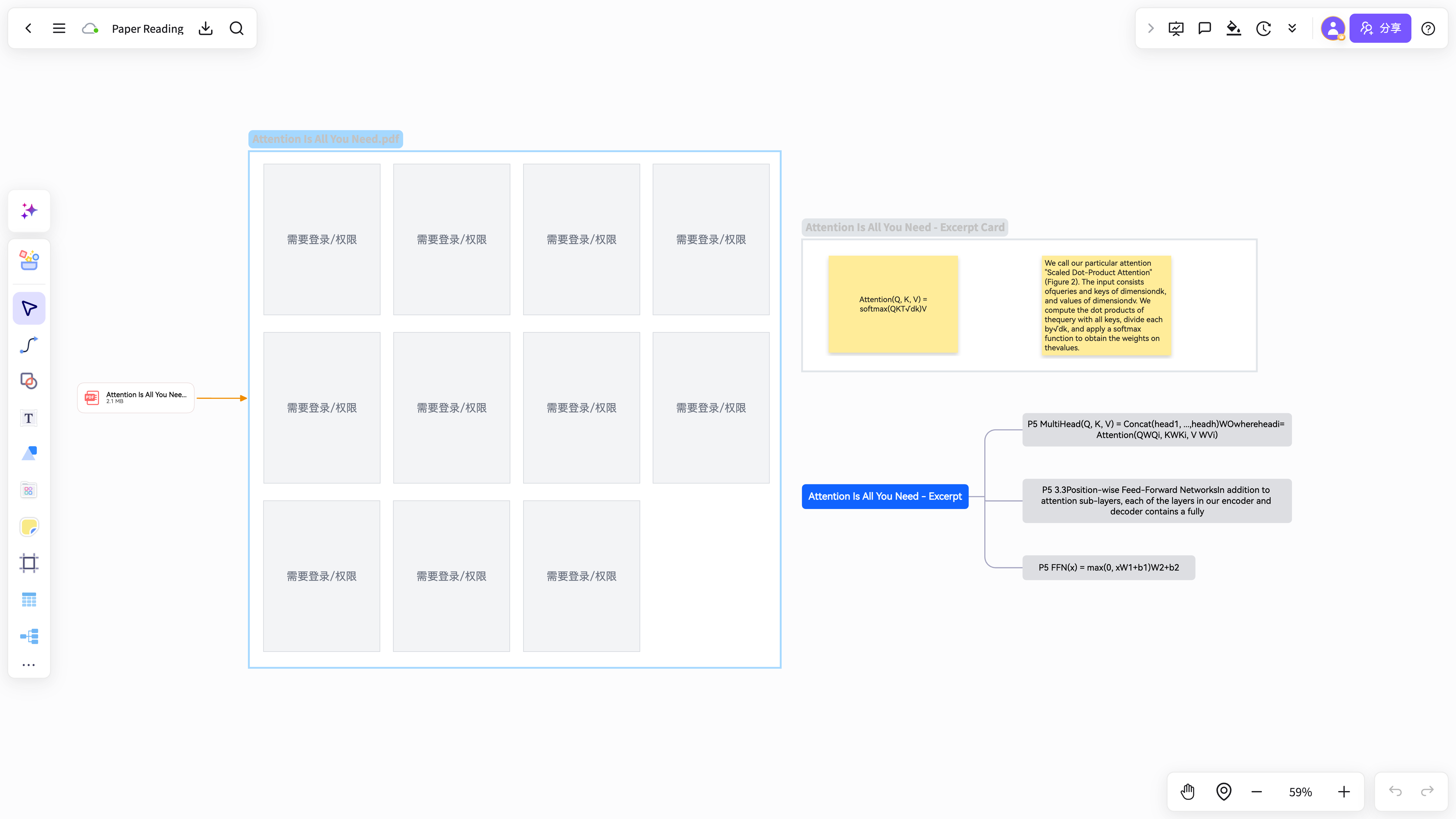
PDFs, reports, meeting packs, and course documents pile up, and after reading a great deal it is still hard to state the through-line in one pass.
Key points stay inside the source, in highlights, or in scattered notes, so writing the proposal or revising for a course means reorganising everything again.
Arguments, data, conclusions, and recommendations sit in different paragraphs, so they never add up to a whole you can discuss or reuse.
With no stable structure to hand off, the next review, write-up, or retrospective sends you back through the same documents hunting for the point.
Collect PDFs, reports, papers, course readings, or project documents in one workspace.
The model identifies themes, arguments, evidence, conclusions, and action items. It then lays them out as a clear through-line.
Turn the result into a mind map, flowchart, outline, or proposal structure that feeds straight into the next task.
NuromBoard does more than read the document for you: it converts key points and relationships into a structure you can keep editing.
Maps, flows, and proposal drafts stay open for discussion, additions, review, and retrospectives instead of being a one-off read.
For long reports: background, problem, findings, and recommendations condensed onto one page of structure.
Organises the research question, method, findings, and limitations into a framework you can return to.
Turns the themes, arguments, and connections in complex material into an editable mind map.
For shaping project material, user feedback, or competitor reports into a proposal draft that can go to review.
PDFs, reports, research papers, course material, meeting notes, user feedback, and project documents — anything where you need to extract structure rather than just store the file.
A mind map, flowchart, outline, or proposal draft that you can extend, discuss, and take into the next step of the work.
Yes. The output is an editable working draft: change the hierarchy, add content, correct relationships, and reshape it for sharing or review.
From reading and annotation to mind-map notes and knowledge capture, NuromBoard turns high-frequency knowledge work into reusable outcomes.